Please, always include screenshots in open source projects that are aesthetic in nature.
The blog post about this is slightly interesting, but mostly feels like a candidate’s position paper on rounded corners, rather than an newsworthy or technical explanation: https://medium.com/@makalin/reclaiming-the-screen-a-develope...
The core innovation is the ctx.fill calls here: https://github.com/makalin/CornerFix/blob/main/Sources/Corne...
I guess it's a good thing I never noticed it then? Of all the very real problems with Tahoe this one would never have even registered with me.
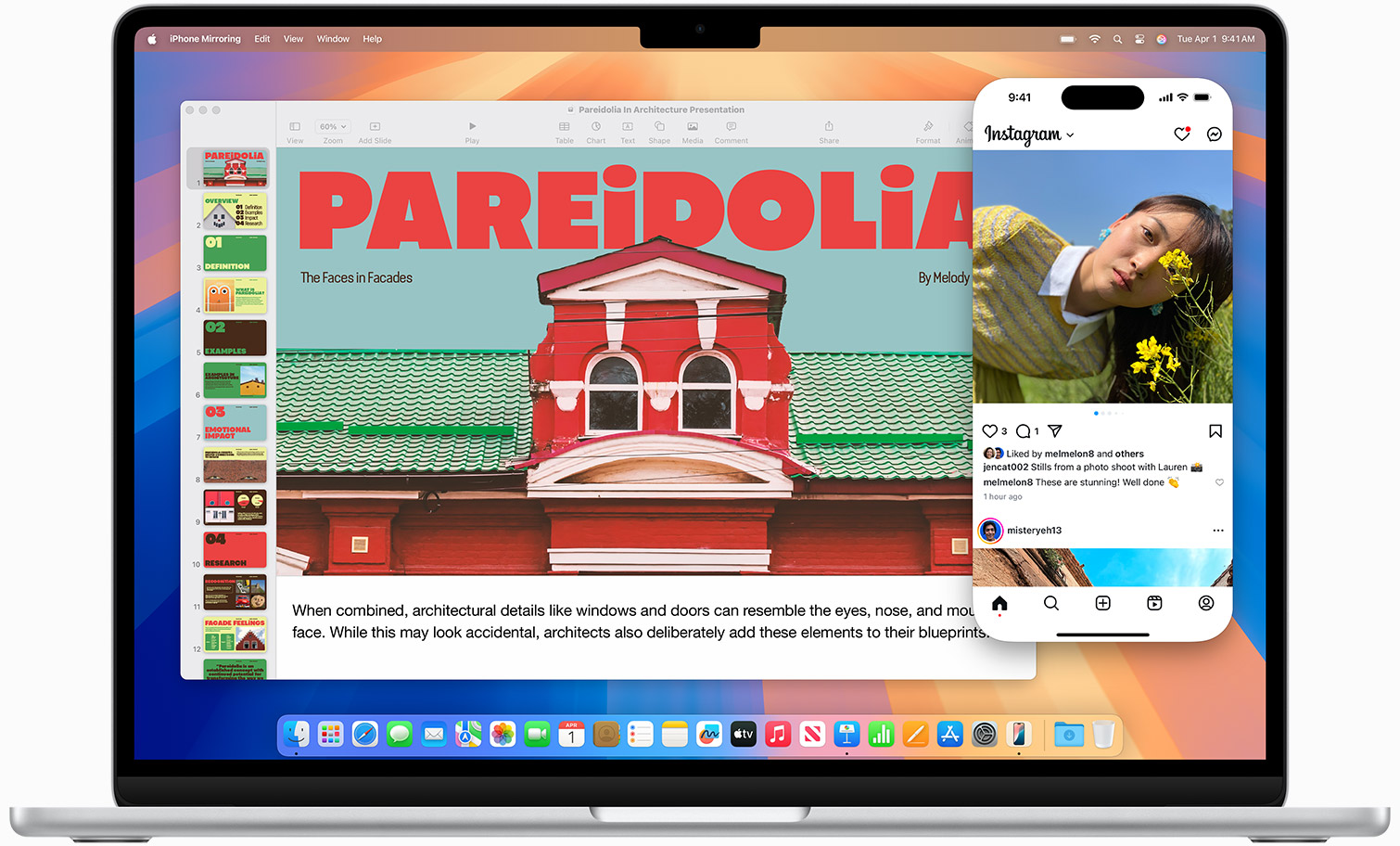
[0] https://www.apple.com/v/macbook-air/x/images/overview/mac-pl...
* Try to move space on such a device, the non-rounded desktop appears…
Running an Apple Studio Display here, and no rounded corners at any edges. So, just for non-Apple monitors?
Not sure what this tool’s function is supposed to be, given that the rounded corners only appear on screens that are actually rounded. Why would you want to straighten that out on a physically-rounded screen?
On the MBP built-in display, the upper-left and upper-right corners are rounded. I believe this is due to the shape of the display. The bottom corners are not rounded.
On the external displays, the corners are all square.
But most importantly, when connected to sharp-edged monitors, the Mac does not round the corners and instead displays the entire contents of the screen edge-to-edge (including the desktop and menu bar). So this tool seems to be solving a problem that does not exist.
There's software like Top Notch if you want to make the bottom corners rounded also.
"And the worst part? Apple didn’t provide a switch to turn it off."
Now see, this is AI. A normal human being would write, "Apple didn't even provide any way to switch off this non-feature" - for example. AI always, for reasons that are likely neither interesting nor especially illuminating, writes like this. Unnecessary and stupid stylistic choices everywhere.
Look, if you cannot be bothered to write something, why on God's Good Earth would anyone bother to read it?
I sometimes write like that because I noticed for regular people, they tend to pay more attention if some things are written a specific way. It’s like an FAQ.
I’ll continue to use bolded titles and bullet points when writing for a regular audience.
> Note: This does not change the rounded corners of individual app windows. It only restores the straight silhouette at the edges of your display.
My display does not have rounded corners. I am on macOS Tahoe using external monitors. I know that newer macbooks have rounded display corners, but those are rounded at the hardware level afaik, those corner pixels simply don't exist. And besides that, the medium article linked in the repo specifically talks about external monitors. Does anyone have an example of what this program is actually meant to fix?
EDIT: I downloaded and compiled it myself to see. All it does is add a black border around your whole screen. Here is a screenshot: https://i.imgur.com/7XWAwxz.jpeg
Again, I don't have rounded corners on my display in the first place, but if I did I suppose this would hide them. At the cost of losing the whole edge of my display, lol. I don't see why anyone would actually use this, especially since it cuts off half the menu bar.
https://stuff.art-core.org/2026/osx_corner.png
This screenshot shows the bottom right corner of my left monitor and a small slice of my right monitor. The light thing is the rounded corner of my browser window.
Oh, boy.
I wouldn’t be surprised if the author vibe-coded this, seeing as the article they reference was very much entirely written by AI.
It was a very flexible and hackable system, very fragile, and no security whatsoever, but lots of fun!