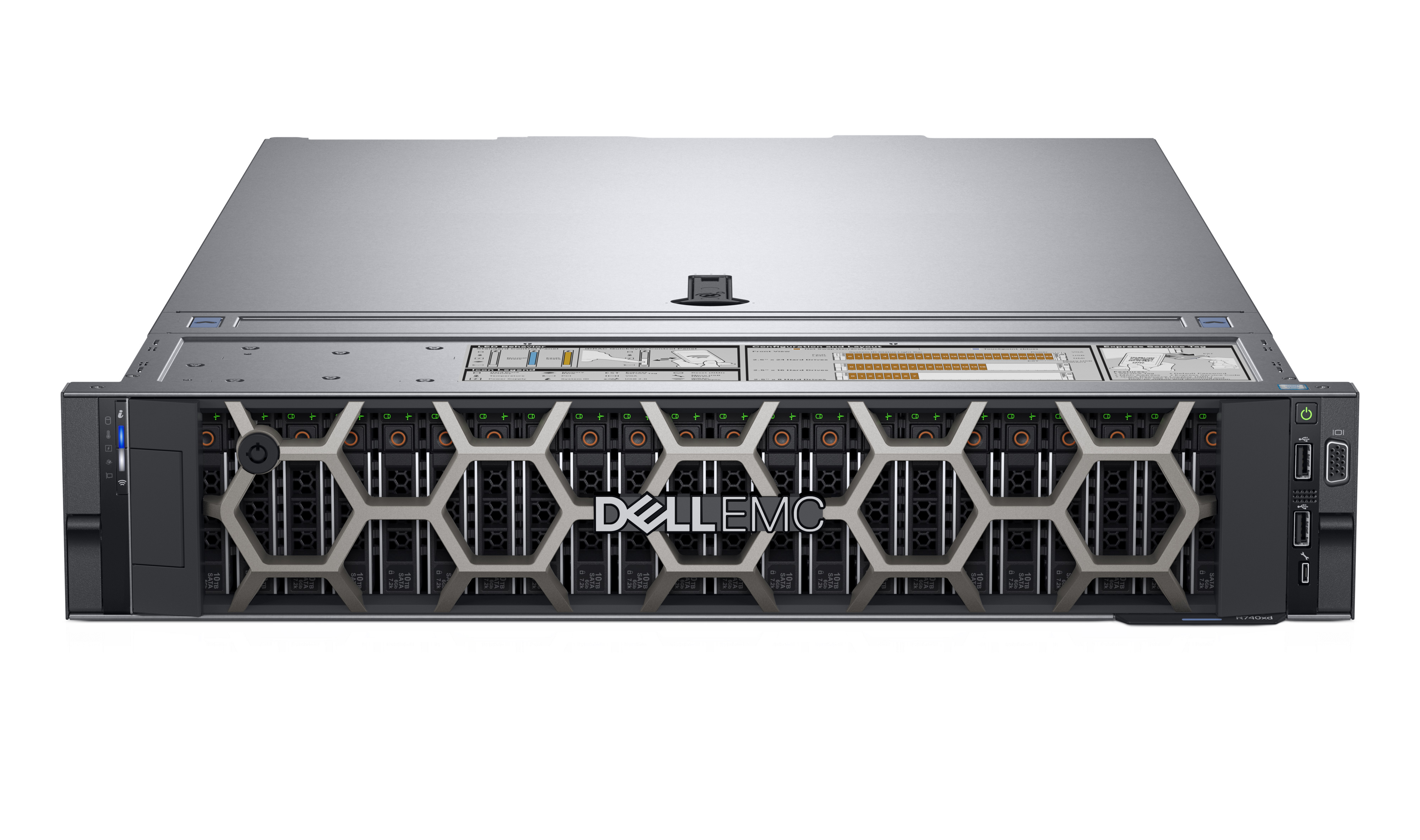
The desktop RTX 5090 has 1792 GB/s of memory bandwidth partially due to the 512 bit bus width, compared to the DGX Spark with a 256 bit bus and 273 GB/s memory bandwidth.
The RTX 5090 has 32G of VRAM vs the 128G of “VRAM” in the DGX Spark which is really unified memory.
Also the RTX 5090 has 21760 cuda cores vs 6144 in the DGX Spark. (3.5 x as many). And with the much higher bandwidth in the 5090 you have a better shot at keeping them fed. So for embarrassingly parallel workloads the 5090 crushes the Spark.
So if you need to fit big models into VRAM and don’t care about speed too much because you are for example, building something on your desktop that’ll run on data center hardware in production, the DGX Spark is your answer.
If you need speed and 32G of VRAM is plenty, and you don’t care about modeling network interconnections in production, then the RTX 5090 is what you want.
It isn't, because it's a different architecture than the datacenter hardware. They're both called "Blackwell", but that's a lie[1] and you still need "real" datacenter Blackwell card for development work. (For example, you can't configure/tune vLLM on Spark, and then move it into a B200 and even expect it to work, etc.)
[1] -- https://github.com/NVIDIA/dgx-spark-playbooks/issues/22
The nvfuser code doesn't even call it sm_100 vs. sm_120: NVIDIA's internal nomenclature seems to be 2CTA/1CTA, it's a bin. So there are less MMA tilings in the released ISA as of 13.1 / r85 44.
The mnemonic tcgen05.mma doesn't mean anything, it's lowered onto real SASS. FWIW the people I know doing their own drivers say the whole ISA is there, but it doesn't matter.
The family of mnemonics that hits the "Jensen Keynote" path is roughly here: https://docs.nvidia.com/cuda/parallel-thread-execution/#warp....
10x path is hot today on Thor, Spark, 5090, 6000, and data center.
Getting it to trigger reliably on real tilings?
Well that's the game just now. :)
Edit: https://customer-1qh1li9jygphkssl.cloudflarestream.com/1795a...
Because the official NVidia stance is definitely that TMEM, etc. is not supported and doesn't work.
...I don't suppose you have a link to a repo with code that can trigger any of this officially forbidden functionality?
Put this in nsight compute: https://github.com/NVIDIA/cutlass/blob/main/examples/79_blac...
(I said 83, it's 79).
If you want to know what NVIDIA really thinks, watch this repo: https://github.com/nVIDIA/fuser. The Polyhedral Wizards at play. All the big not-quite-Fields players are splashing around there. I'm doing lean4 proofs of a bunch of their stuff. https://v0-straylight-papers-touchups.vercel.app
It works now. It's just not the PTX mnemonic that you want to see.
Anyhow, be that as it may, I was talking about the PTX mnemonics and such because I'd like to use this functionality from my own, custom kernels, and not necessarily only indirectly by triggering whatever lies at the bottom of NVidia's abstraction stack.
So what's your endgame with your proofs? You wrote "the breaking point was implementing an NVFP4 matmul" - so do you actually intend to implement an NVFP4 matmul? (: If so I'd be very much interested; personally I'm definitely still in the "cargo-cults from CUTLASS examples" camp, but would love something more principled.
https://chipsandcheese.com/p/inside-nvidia-gb10s-memory-subs...
But the nicest addition Dell made in my opinion is the retro 90's UNIX workstation-style wallpaper: https://jasoneckert.github.io/myblog/grace-blackwell/
https://www.fsi-embedded.jp/contents/uploads/2018/11/DELLEMC...
Then there is the networking. While Strix Halo systems come with two USB4 40Gbit/s ports, it's difficult to
a) connect more than 3 machines with two ports each
b) get more than 23GBit/s or so per connection, if you're lucky. Latency will also be in the 0.2ms range, which leaves room for improvement.
Something like Apple's RDMA via Thunderbolt would be great to have on Strix Halo…
Prompt processing is literally 3x to 4x higher on GPT-OSS-120B once you are a little bit into your context window, and it is similarly much faster for image generation or any other AI task.
Plus the Nvidia ecosystem, as others have mentioned.
One discussion with benchmarks: https://www.reddit.com/r/LocalLLaMA/comments/1oonomc/comment...
If all you care about is token generation with a tiny context window, then they are very close, but that’s basically the only time. I studied this problem extensively before deciding what to buy, and I wish Strix Halo had been the better option.
AMD’s own marketing numbers say the NPU is about 50 TOPS out of 126 TOPS total compute for the platform. Even if you hand-wave everything else away, that caps the theoretical upside at around ~1.6x.
But that assumes:
1. Your workload maps cleanly onto the NPU’s 8-bit fast path.
2. There’s no overhead coordinating the iGPU + NPU.
My expectation is the real-world gain would be close to 0, but I'd love to be proven wrong!
So while I think the Strix Halo is a mostly useless machine for any kind of AI, and I think the spark is actually useful, I don't think pure inference is a good use case for them.
It probably only makes sense as a dev kit for larger cloud hardware.
I'm trying to better understand the trade offs, or if it depends on the workload.
With LLM workloads, you can run some of the larger local models (at all) and you can run them cheap on the unified 128G RAM machines (Strix Halo/Spark) - for example, gpt-oss-120b. At 4bit quantization given it's an MoE that's natively trained at NVFP4, it'll be pretty quick. Some of the other MoEs with highly compressed active parameter models will also be quick as well. But things will get sluggish as the active parameters increase. The best way to run these models is with a multi-GPU rig so you get speed and VRAM density at once, but that's expensive.
With other workloads such as image/video generation, the unified vram doesn't help as much and the operations themselves intrinsically run better on the beefier GPU cores, in part because many of the models are relatively small compared to LLM (6B-20B active parameters) but generating from those parameters is definitely GPU compute intensive. So you get infinitely more from a 3090 (maybe even a slightly lesser card) than you do from a unified memory rig.
If you're running a mixture of LLM and image/video generation workloads, there is no easy answer. Some folks on a budget opt for a unified memory machine with an eGPU to get the best of both worlds, but I hear drivers are an issue. Some folks use the Mac studios which while quite fast force you to be inside the Metal ecosystem rather than CUDA and aren't as pleasant for dev or user ecosystem. Some folks build a multi CPU server rig with a ton of vanilla RAM (used to be popular for folks who wanted to run DeepSeek before RAM prices spiked). Some folks buy older servers with VRAM dense but dated cards (thing Pascal, Volta, etc, or AMD MI50/100). There's no free lunch with any of these options, honestly.
If you don't have a very clear sense of something you can buy that you won't regret, it's hard to go wrong using any of the cloud GPU hyperscalers (Runpod, Modal, Northflank, etc) or something like Fal or Replicate where you can try out the open source models and pay per request. Sure, you'll spend a bit more on unit costs, but it'll force you to figure out if you have your workloads figured out enough to where the pain of having it in the cloud stings enough to where you want to buy and own the metal -- if the answer is no, even if you could afford it, you'll often be most happiest just using the right cloud service!
Ask me how I figured out all of the above the hard way...
I can't see it making sense for training workloads if and when I get to them (which I'd put on the cloud). I have a box with a single 3090 to do CUDA dev if I need to but I haven't needed to do it that often. And frankly the Mac Studio has rough computational parity with a bit under a 3090 in terms of grunt, but with an order of magnitude more unified VRAM so it hits the mark for medium-ish MoE models I like to run locally as well as some of the diffusion inference workloads.
Anything that doesn't work great locally or which is throwaway (but needs to be fast) ends up getting thrown at the cloud. I pull it back to something I can run locally once I'm running it over and over again on a recurring basis.
It's not really intended to be a great value box for running LLMs at home. Jeff Geerling talks about this in the article.
If I want to do hobby / amateur AI research or do stuff with fine tuning models etc, learn the tooling. I'm better off with the DG10 than AMD or Apple's systems.
The Strix Halo machines look nice. I'd like one of those too. Especially if/when they ever get around to getting it into a compelling laptop.
But I ordered the ASUS Ascent DG10 machine (since it was more easily available for me than the other versions of these) because I want to play around with fine tuning open weight models, learning tooling, etc.
That and I like the idea of having a (non-Apple) Aarch64 linux workstation at home.
Now if the courier would just get their shit together and actually deliver the thing...
I've used it to fine tune 20+ models in the last couple of weeks. Neither a Mac or Strix Halo even try to compete.
I ended up going with the Asus GB10 because if the goal is to "learn me some AI tooling" I didn't want to have to add "learn me some only recently and shallowly supported-in-linux AMD tooling" to the mix.
I hate NVIDIA -- the company -- but in this case it comes down to pure self-interest in that I want to add some of this stuff to my employable skill set, and NVIDIA ships the machine with all the pieces I need right in the OS distribution.
Plus I have a bias for ARM over x86.
Long run I'm sure I'll end up with a Strix Halo type machine in my collection at some point.
But I also expect those machines to not drop in price, and perhaps even go up, as right now the 128GB of RAM in them is worth the price of the whole machine.
I can get about 20 tokens per second on the DGX Spark using llama-3.3-70B with no loss in quality compared to the model you were benchmarking:
    llama-server \
        --model      llama-3.3-70b-instruct-ud-q4_k_xl.gguf \
        --model-draft llama-3.2-1b-instruct-ud-q8_k_xl.gguf \
        --ctx-size      80000 \
        --ctx-size-draft 4096 \
        --draft-min 1 \
        --draft-max 8 \
        --draft-p-min 0.65 \
        -ngl 999 \
        --flash-attn on \
        --parallel 1 \
        --no-mmap \
        --jinja \
        --temp 0.0 \
        -fit off
    prompt eval time = 313.70 ms / 40 tokens (7.84 ms per token, 127.51 tokens per second)
    eval time = 46278.35 ms / 913 tokens (50.69 ms per token, 19.73 tokens per second)
    total time = 46592.05 ms / 953 tokens
    draft acceptance rate = 0.87616 (757 accepted / 864 generated)
I recently needed an LLM to batch process me some queries. I ran an ablation on 20+ models from Open Router to find the best one. Guess which ones got 100% accuracy? GPT-5-mini, Grok-4.1-fast and... Llama4 Scout. For comparison, DeepSeek v3.2 got 90%, and the community darling GLM-4.5-Air got 50%. Even the newest GLM-4.7 only got 70%.
Of course, this is just an anecdotal single datapoint which doesn't mean anything, but it shows that Llama 4 is probably underrated.
On the flip side, it also shows how damaging echo chambers can be, where relatively few people even gave the models a chance, just repeating the negativity they heard from other people and downvoting anyone who voiced a different experience.
I think this was exacerbated by the fact that Llama models had previously come in small, dense sizes like 8B that people could run on modest hardware, where even Llama 4 Scout was a large model that a lot of people in the community weren’t prepared to run. Large models seem more socially accepted now than they were when Llama 4 launched.
The Llama 4 models are MoE models, in case you are unaware, since it feels like your comment feels was implying they were dense models.
I thought the last one was a toy, until I tried with a full 1.2 megabyte repomix project dump. It actually works quite well for general code comprehension across the whole codebase, CI scripts included.
Gpt-oss-120 is good too, altough I'm yet to try it out for coding specifically
For the Qwen3-VL, I recently read that someone got significantly better results by using F16 or even F32 versions of the vision model part, while using a Q4 or similar for the text model part. In llama.cpp you can specify these separately[1]. Since the vision model part is usually quite small in comparison, this isn't as rough as it sounds. Haven't had a chance to test that yet though.
[1]: https://github.com/ggml-org/llama.cpp/blob/master/tools/serv... (using --mmproj AFAIK)
And the 2x 200 GBit/s QSFP... why would you stack a bunch of these? Does anybody actually use them in day-to-day work/research?
I liked the idea until the final specs came out.
2. and for CUDA dev it's not worth the crazy price when you can dev on a cheap RTX and then rent a GH or GB server for a couple of days if you need to adjust compatibility and scaling.
These devices are for AI R&D. If you need to build models or fine tune them locally they're great.
That said, I run GPT-OSS 120B on mine and it's 'fine'. I spend some time waiting on it, but the fact that I can run such a large model locally at a "reasonable" speed is still kind of impressive to me.
It's REALLY fast for diffusion as well. If you're into image/video generation it's kind of awesome. All that compute really shines when for workloads that aren't memory speed bound.
If I wanted to I could go on ebay, buy a bunch of parts, build my own system, install my own OS, compile a bunch of junk, tinker with config files for days, and then fire up an extra generator to cope with the 2-4x higher power requirements. For all that work I might save a couple of grand and will be able to actually do less with it. Or... I could just buy a GB10 device and turn it on.
It comes preconfigured to run headless and use the NVIDIA ecosystem. Mine has literally never had a monitor attached to it. NVIDIA has guides and playbooks, preconfigured docker containers, and documentation to get me up and developing in minutes to hours instead of days or weeks. If it breaks I just factory reset it. On top of that it has the added benefit of 200Gbe QSFP networking that would cost $1,500 on it's own. If I decide I need more oomph and want a cluster I just buy another one and connect them, then copy/paste the instructions from NVIDIA.
Not really, not it isn't, because it's deliberately gimped and doesn't support the same feature-set as the datacenter GPUs[1]. So as a professional development box to e.g. write CUDA kernels before you burn valuable B200 time it's completely useless. You're much better off getting an RTX 6000 or two, which is also gimped, but at least is much faster.
[1] -- https://github.com/NVIDIA/dgx-spark-playbooks/issues/22
It does seem really shady that they'd claim it to be 5th gen tensor cores and then not support the full feature set. I searched through the spark forums, and as that poster said nobody is answering the question.
Sometimes a penny saved is a dollar lost.
The cloud is fine, if you're OK with your workload being on someone else's computer. I'm not. Plus with my usage levels I would be in the red within 2 months when comparing costs.
Your point about server hardware might make sense for some folks. I haven't actually looked, because in my case I'm using it as a dev system that sits on my desk. Part of it's appeal is that it's small/quiet.
I COULD opt to just buy the hardware and get a real server though, since I run my spark headless. I just assumed the cost of colo'ing it someplace would rule that out. I haven't actually done the math though. Have you?
Sounds interesting; can you suggest any good discussions of this (on the web)?
https://www.dell.com/en-us/shop/desktop-computers/dell-pro-m...
I'm really curious to see how things shift when the M5 Ultra with "tensor" matmul functionality in the GPU cores rolls out. This should be a multiples speed up of that platform.
Are you doing this with vLLM, or some other model-running library/setup?
If you still have the hardware (this and the Mac cluster) can you PLEASE get some advice and run some actually useful benchmarks?
Batching on a single consumer GPU often results in 3-4x the throughput. We have literally no idea what that batching looks like on a $10k+ cluster without otherwise dropping the cash to find out.